
Working Offline
Designed for remote field work where connectivity is unreliable or unavailable.
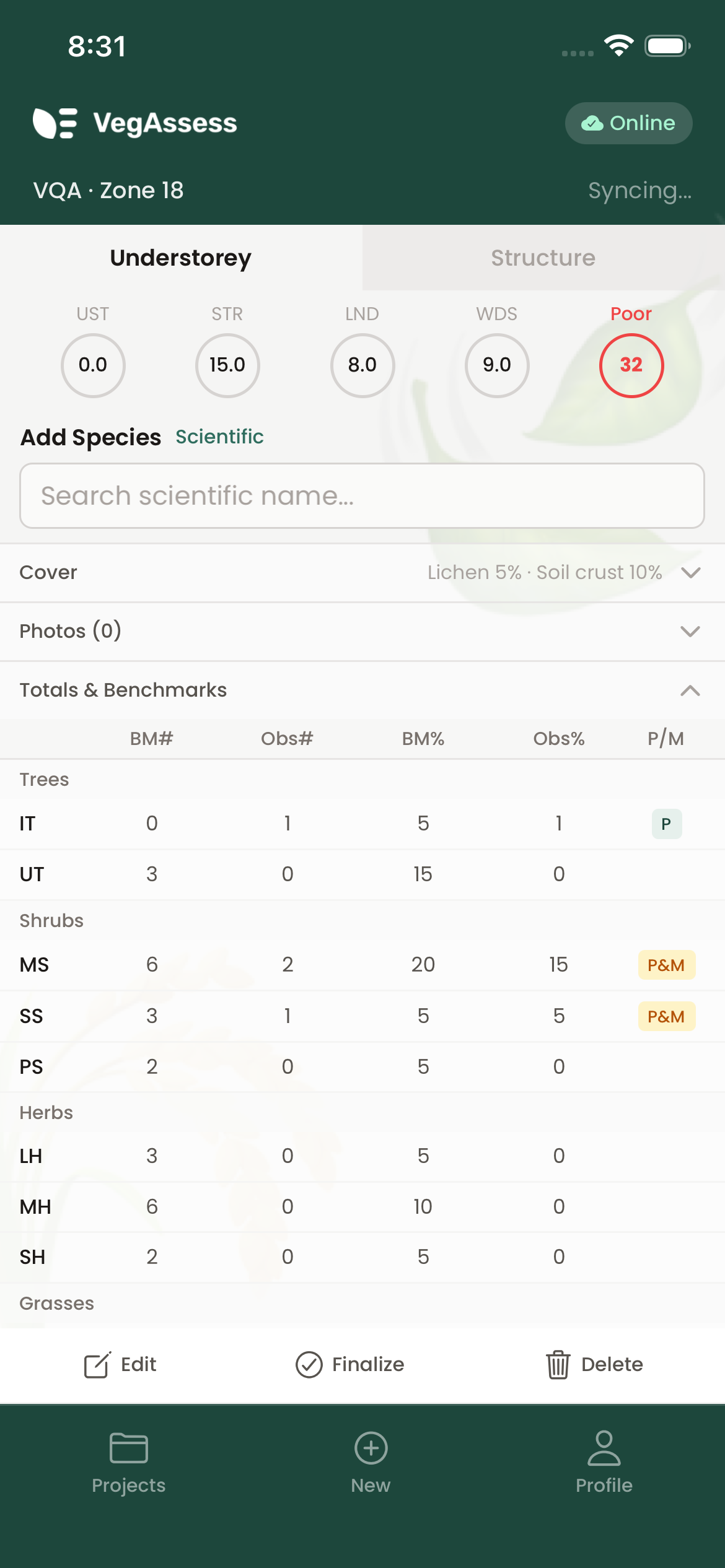
How offline mode works
All data is stored locally on your device using an embedded database. You can create projects, run full assessments, record species data, calculate scores, and generate reports — all without any internet connection. The app works identically whether you're online or offline.
This is critical for ecological field work. Many assessment sites are in remote areas with no mobile coverage, and VegAssess ensures you can complete your work regardless.
Reference data caching
Large reference datasets are downloaded and cached locally on your first sync:
- EVC benchmarks — the full set of Victorian Ecological Vegetation Class benchmarks
- Species lists — comprehensive Victorian and NSW flora databases, searchable by common or scientific name
- Plant Community Types — the NSW BioNet PCT database for BAM assessments
- Introduced species — weed species lists for exotic species identification
Reference data refreshes automatically every seven days when you have connectivity. We recommend syncing before heading to the field to ensure everything is up to date.
Syncing
Automatic sync
When connectivity returns, VegAssess syncs your data automatically. Changes are queued locally and sent in order. A sync indicator shows whether data is pending, syncing, or fully synced — you don't need to do anything.
Conflict resolution
If the same record is edited on multiple devices before syncing, VegAssess uses a last-write-wins strategy based on timestamps. Sync regularly when you have connectivity to minimise the chance of conflicts, especially when working in teams.
Web version
The web version of VegAssess connects directly to the API and requires an internet connection. It does not support offline mode. Use the mobile app (iOS or Android) for offline field work.